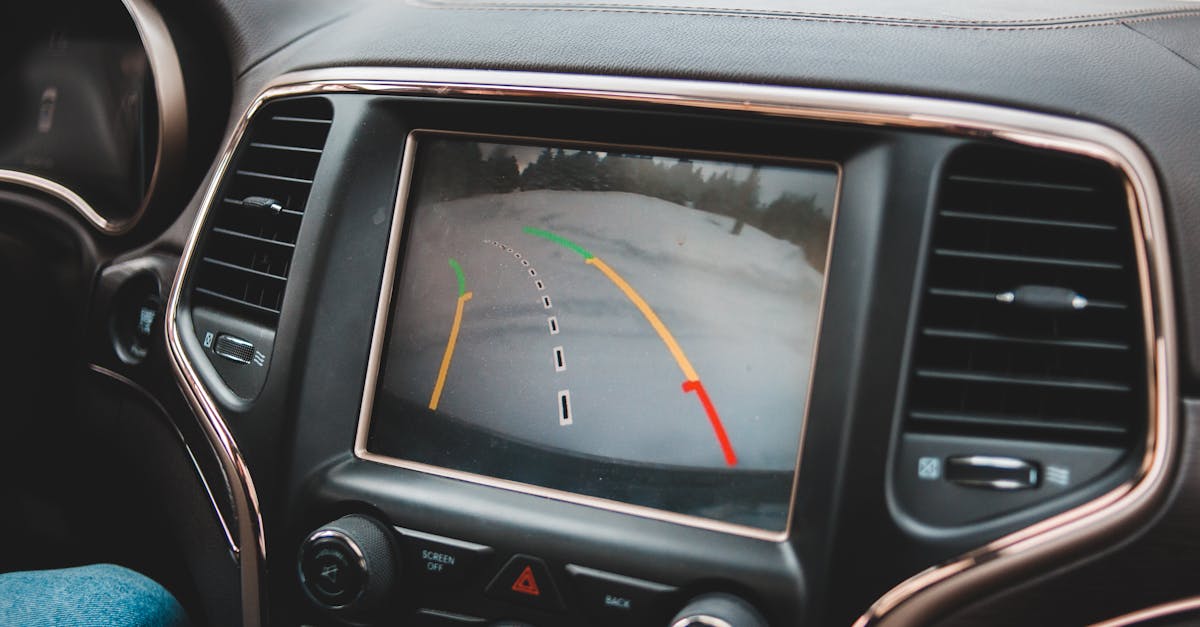
After a collision, a dashcam may seem to have captured everything—until the plate is unreadable, the clock is wrong or the crucial clip has been overwritten. Those settings can determine whether footage supports your account or gives an insurer reasons to question its timing and completeness.
A dashcam is a small camera that records the road and, on some models, the vehicle interior. It preserves visual context that can help establish vehicle positions, signals, road conditions and the sequence of an incident.
Time Can Betray You
Check the date, time and time zone regularly, especially after power loss or a firmware reset. An incorrect timestamp does not automatically make footage useless, but it can create avoidable doubt when compared with a collision report, phone record or witness statement.
GPS (satellite-based location tracking) can set the clock and record location automatically, although it may lose signal or use the wrong time zone. A speed overlay can provide useful context, but it may also record brief inaccuracies; never alter or hide data after an incident, as an insurer may ask for the original file.
Clarity Beats Maximum Numbers
Use the highest resolution the camera and memory card can sustain reliably, rather than simply selecting the most demanding mode. Very high frame rates can reduce low-light clarity on some cameras, while high dynamic range (balancing bright and dark areas) may help with summer glare, shaded roads and reflective licence plates.
Camera position matters just as much. Mount it firmly, centre the road in the frame and keep the horizon level; too much dashboard or sky wastes detail. Check that wipers clear the camera’s view, reflections do not obscure the image and the installation complies with applicable provincial windshield and visibility requirements.
Keep the Crucial Minutes
Loop recording automatically overwrites the oldest unlocked files when storage fills. The impact sensor may protect a collision clip, but excessive sensitivity can lock files after potholes or hard door closures until the card is full; too little sensitivity may fail to protect the event. Start with a moderate setting and test it on normal drives.
Memory cards can also fail silently, particularly after repeated writing or prolonged summer heat. Review sample footage periodically, confirm that new files are being created and follow the camera maker’s formatting guidance. If audio is enabled, remember that it may capture private conversations; recording rules can vary, so verify the requirements that apply where you drive.
After an incident, preserve the original clip plus several minutes before and after it, without trimming or editing. Before the next drive, check the clock, framing, recording indicator and card status—the four settings most likely to decide whether useful evidence exists when an insurer asks for it.