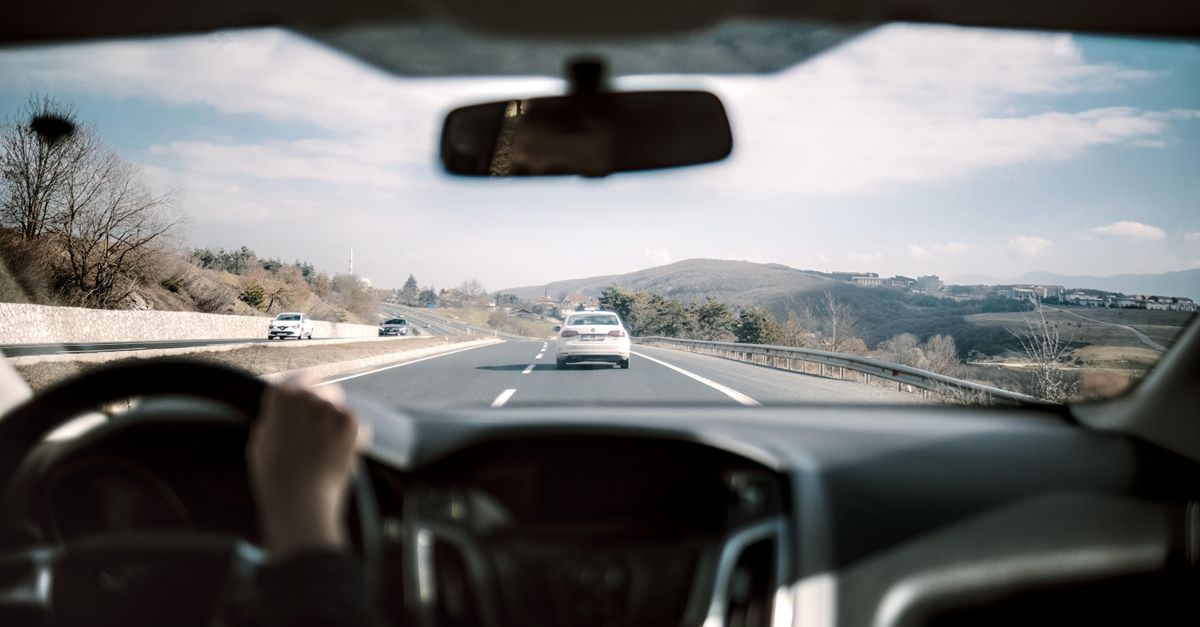
You are stopped at a light, feel a sharp hit from behind, and the other driver tells a very different story. In that moment, clear video can matter as much as photos, witness details and the damage itself. A dashcam is a small in-car camera that continuously records the road, and sometimes the rear view or cabin. Its job is simple: create a time-stamped record that may help show what happened when fault is disputed.
For everyday drivers, that can affect more than blame. It can shape an insurance claim, support a police report, and reduce the chance of paying for someone else’s mistake. But footage only helps if it is usable, complete and collected properly.
What It Can Show
Good dashcam footage is strongest when it captures the lead-up to the impact, not just the collision itself. That means lane position, traffic lights, braking, indicator use, following distance and road conditions can all become part of the picture.
That context matters because many crashes are not argued over the point of impact, but over what happened a few seconds earlier. If a driver changed lanes late, ran wide in a turn, or braked suddenly without a clear reason, video may help insurers and investigators judge liability more accurately.
Audio, GPS location and speed overlays can also help, but they are supporting details rather than perfect proof. GPS speed can lag slightly, and wide-angle lenses often make vehicles look farther away or slower than they really were.
Where It Falls Short
That sounds straightforward, but cameras do have blind spots. Strong sun, rain, dirty glass, night glare and heavy tint can all reduce detail, especially number plates and traffic signals.
There is also the issue of perspective. A front camera may miss a side impact, a rear camera may not show the initial lane change, and an interior camera usually tells you little about outside road position. If the clip starts too late because the memory card failed or the file was overwritten, the most important seconds may be gone.
Some dashcams automatically lock clips when the G-sensor detects a jolt. That is useful after a crash, but it can also create false saves from potholes, rough driveways or a hard door slam. The opposite can happen too: a light impact may not trigger an event, so relying only on automatic saving is risky.
Setup That Matters
Just as important is what happens before the crash. A badly mounted camera can shake, fall off, or point too high and miss the vehicles directly ahead. The best view usually includes a little bonnet and plenty of road, with the horizon level and the wipers clearing the main part of the image.
Check the date and time settings after power loss, software updates or battery issues. If the timestamp is wrong, or the camera records in very low quality to squeeze more hours onto the card, the footage may look less reliable when you need it most.
Memory cards are a common weak point. Dashcams write data constantly, so cheaper cards can fail without warning. It is worth checking recordings occasionally and replacing tired cards before they start skipping files or freezing.
Checklist
- Save the original clip as soon as it is safe, including the minute before and after the crash.
- Keep the full file, not just a short edited extract with music, captions or cropped frames.
- Take photos of vehicle positions, damage, signs and weather as backup to the video.
- Note witnesses and exchange details even if the camera seems to have captured everything.
- Be cautious about posting footage online before a claim is settled.
Dashcam footage is not a magic shield, but it can be powerful evidence when it is clear, complete and supported by the usual post-crash steps. A quick check of camera angle, timestamp and card health now is far easier than discovering a missing file when liability is on the line.